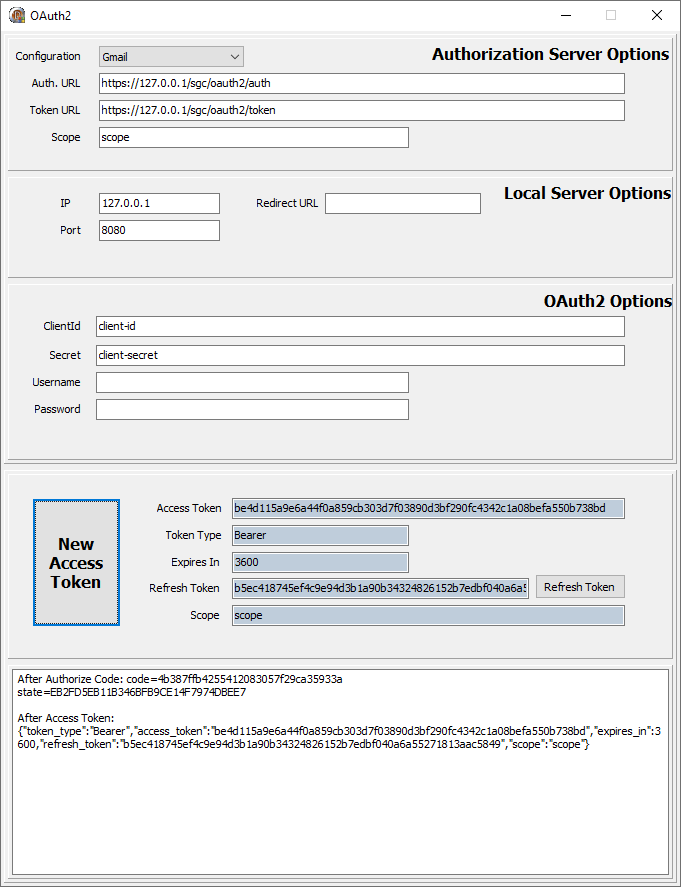
sgcWebSockets 4.4.5부터 서버 컴포넌트에서 OAuth2 프로토콜이 지원돼요.
OAuth2는 타사 애플리케이션이 리소스 소유자를 대신하거나 타사 애플리케이션 자체에 권한을 부여함으로써 HTTP 서비스에 제한된 접근을 받을 수 있게 해줘요. OAuth2 덕분에 서비스 제공자와 소비자 애플리케이션이 안전하게 상호작용할 수 있어요.
TsgcHTTP_OAuth2_Server
이 컴포넌트는 서버 측 컴포넌트에서 OAuth2 프로토콜 구현을 제공해요.
서버 컴포넌트에는 Authentication.OAuth.OAuth2라는 속성이 있어 TsgcHTTP_OAuth2_Server 인스턴스를 할당할 수 있어요. 인증이 활성화되고 OAuth2 속성이 OAuth2 서버 컴포넌트에 연결되면 WebSocket 및 HTTP 요청 처리에 Bearer 토큰이 필요하며, 없으면 연결이 자동으로 닫혀요.
샘플 예시
TsgcWebSocketHTTPServer를 사용한 간단한 OAuth2 서버 예제를 살펴볼게요.
먼저, 포트 443에서 수신하고 sgc.pem 파일의 자체 서명 인증서를 사용하는 새 TsgcWebSocketHTTPServer를 만드세요.
oServer := TsgcWebSocketHTTPServer.Create(nil);
oServer.Port := 80;
oServer.SSLOptions.Port := 443;
oServer.SSLOptions.CertFile := 'sgc.pem';
oServer.SSLOptions.KeyFile := 'sgc.pem';
oServer.SSLOptions.RootCertFile := 'sgc.pem';
oServer.SSL := True;
그런 다음 TsgcHTTP_OAuth2_Server의 새 인스턴스를 만들어 이전에 생성한 서버에 할당하세요.
다음 값으로 새 애플리케이션을 등록하세요:
Name: MyApp
RedirectURI: http://127.0.0.1:8080
ClientId: client-id
ClientSecret: client-secret
OAuth2 := TsgcHTTP_OAuth2_Server.Create(nil);
OAuth2.Apps.AddApp('MyApp', 'http://127.0.0.1:8080', 'client-id', 'client-secret');
oServer.Authentication.Enabled := True;
oServer.Authentication.OAuth.OAuth2 := OAuth2;
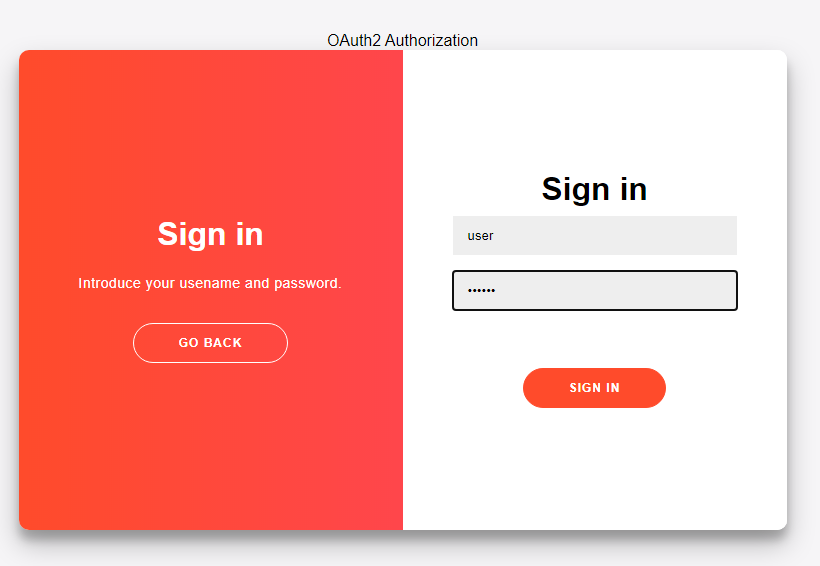
그런 다음 OAuth2 서버 컴포넌트의 OnOAuth2Authentication 이벤트를 처리해 사용자 로그인 메서드를 구현하세요. "user/secret" 쌍을 사용해 로그인을 수락할게요.
procedure OnAuth2Authentication(Connection: TsgcWSConnection; OAuth2: TsgcHTTPOAuth2Request; aUser, aPassword: string; var Authenticated: Boolean);
begin
  if ((aUser = 'user') and (aPassword = 'secret')) then
    Authenticated := True;
end;
마지막으로 서버를 시작하고 OAuth2 클라이언트로 로그인하세요. sgcWebSockets 라이브러리에 포함된 TsgcHTTP_OAuth2_Client를 사용할 수 있어요.
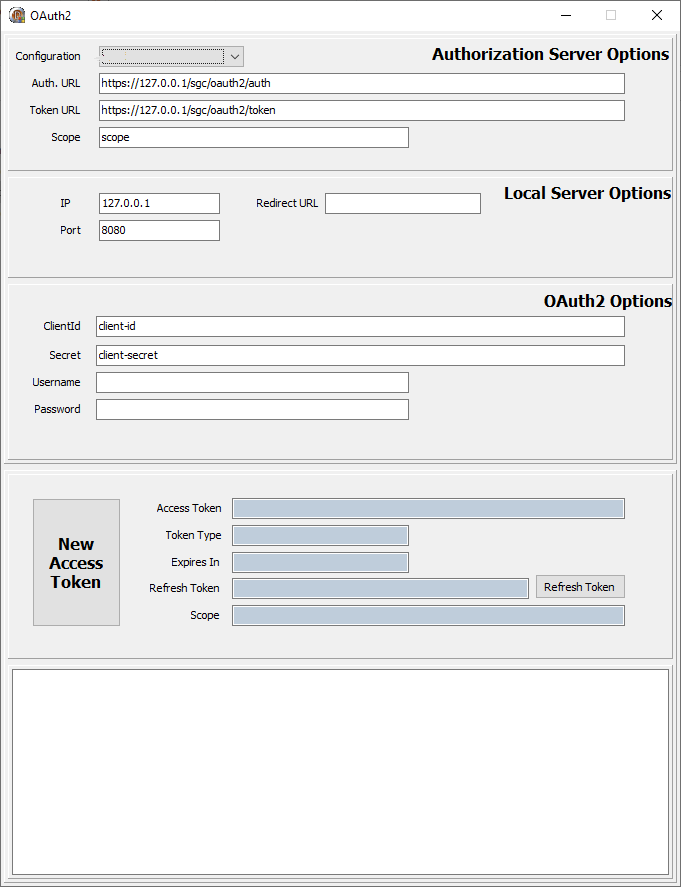
새 액세스 토큰을 요청하면 새 웹 브라우저 세션이 열리고 사용자가 연결을 허용한 다음 로그인해야 해요.
로그인에 성공하면 클라이언트에 새 토큰이 반환돼요. 이후 모든 요청은 HTTP 헤더에 이 bearer 토큰을 포함해야 해요.